

Deleting your Droch Training & License app account
We understand that circumstances change. This page provides all the necessary information and steps to delete your account from the Droch Training & License mobile application. Please read through the details carefully before proceeding.
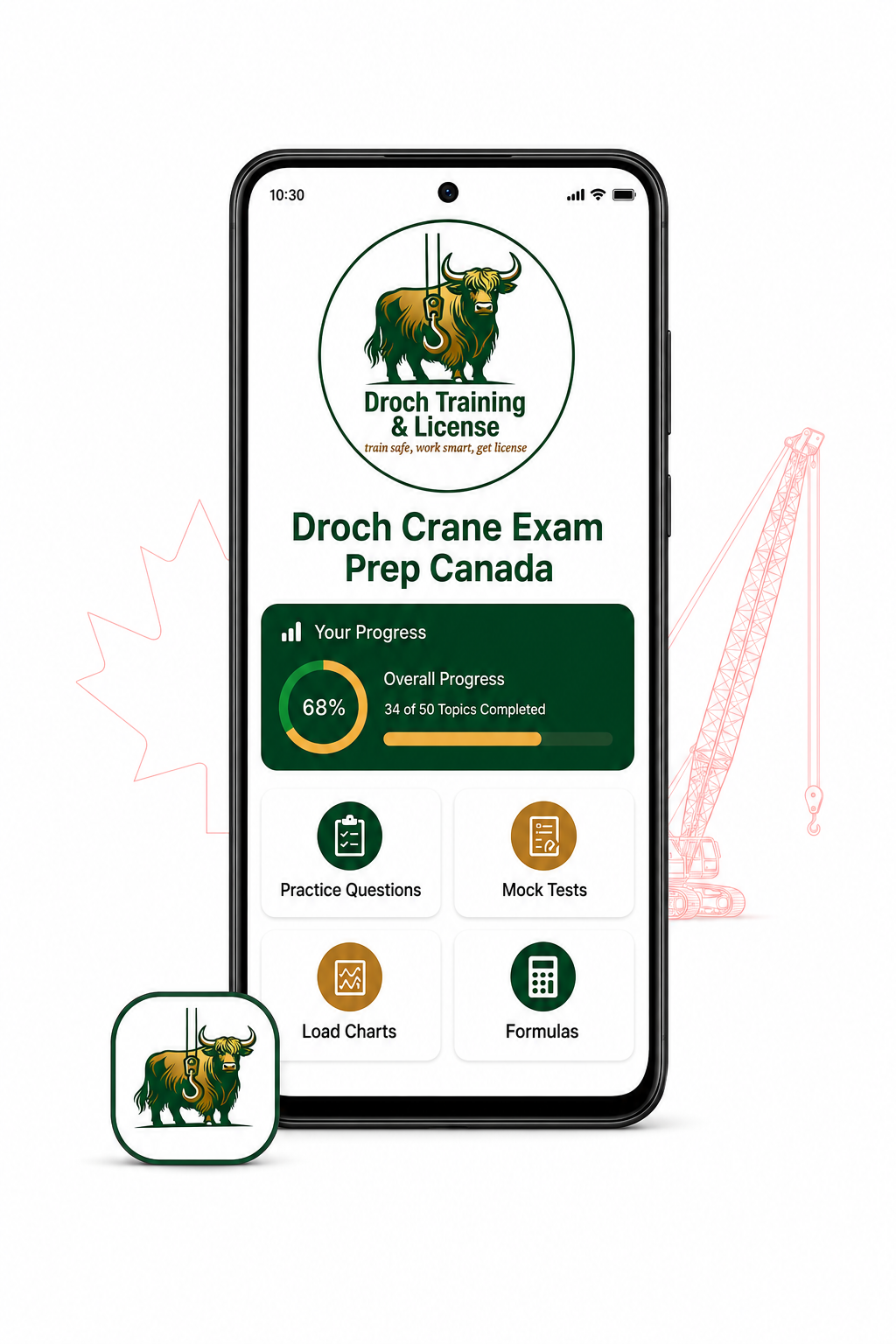
Delete Your Droch App Account
Users of Droch Crane Exam Prep Canada may request permanent deletion of their account and associated data at any time.
Delete your account inside the app
Open the app and go to:
Profile → Settings → Account → Delete Account
Follow the confirmation instructions. This option will be available in the published app.
Request deletion through this webpage
Use the form below or email info@drochtraining.ca from the email address registered with your app account.
In the message, write: Delete my Droch app account and associated data.
We may send a verification message to the registered email address before completing the request. Never send us your password.
Information that will be deleted
After verification, we will delete:
-
Your app account and registered email;
-
Cloud-saved study progress;
-
Mock-test scores and history;
-
Bookmarked questions; and
-
App preferences associated with your account.
Deletion requests will normally be completed within 30 days. Limited information may be retained when required for legal, security or fraud-prevention purposes.
Account deletion is permanent and cannot be reversed. Uninstalling the app by itself does not delete a registered cloud account.
For assistance, contact:
Droch Training & License
Email: info@drochtraining.ca
Website: https://www.drochtraining.ca


Need assistance?
If you encounter any issues during the account deletion process or have further questions, our support team is here to help. You can reach us directly via email or phone, or by visiting our FAQ page for common questions.
Email: info@drochtraining.ca